
Updates & release notes
ORBIT updates itself: when a new version is ready, a banner on the desk offers it, and one click installs it. This page lists what each version changed and what is on the way.
Adding many new features, including TARGET LOCK on the heatmap, ORBIT for Mac on Apple silicon, Beginner & Advanced desks, 16 trading charts with glass trade marks, a faster BOTLAB and 34 new markets.
Christmas is coming early for everyone
Click the heat. Place your order.
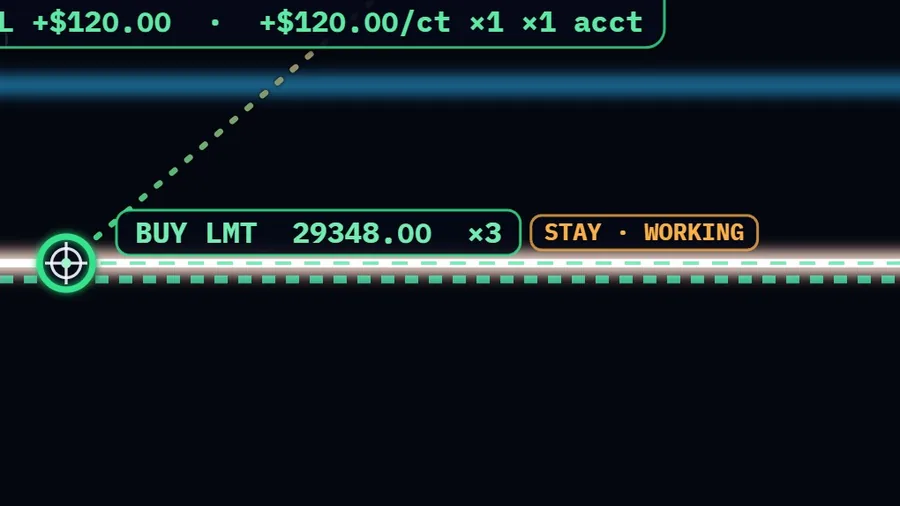
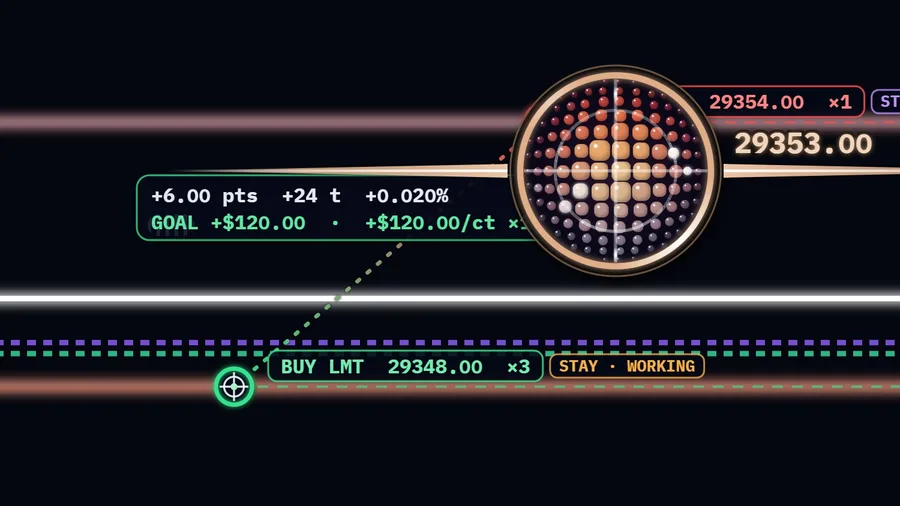
TARGET LOCK puts your orders straight onto the order book's heat bands, with your keys and your protection.
Press SOUND to hear ORBIT AI: “Buy.” and “Sell.” as each order goes out to the broker. Those are her call-outs as she says them on a live account; on paper she stays quiet.
Click to order
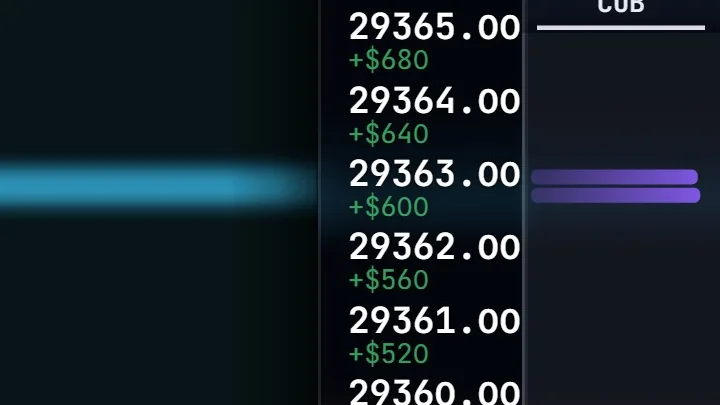
Left-click the heat for a BUY target, right-click for a SELL target. Shift-click links an exit to its entry.
Copy groups
Pick a master and followers: each follower copies the entry, stop and target, on the MICRO or the MINI, at its own size from 0.10x to 10x.
PROTECT
Closing orders never exceed your position: one shared cap, or separate caps for stops and targets.
Three keys
Ctrl+Z takes the last target back · Ctrl+X closes every open position · Ctrl+O cancels resting entries.
LCD stats & readout
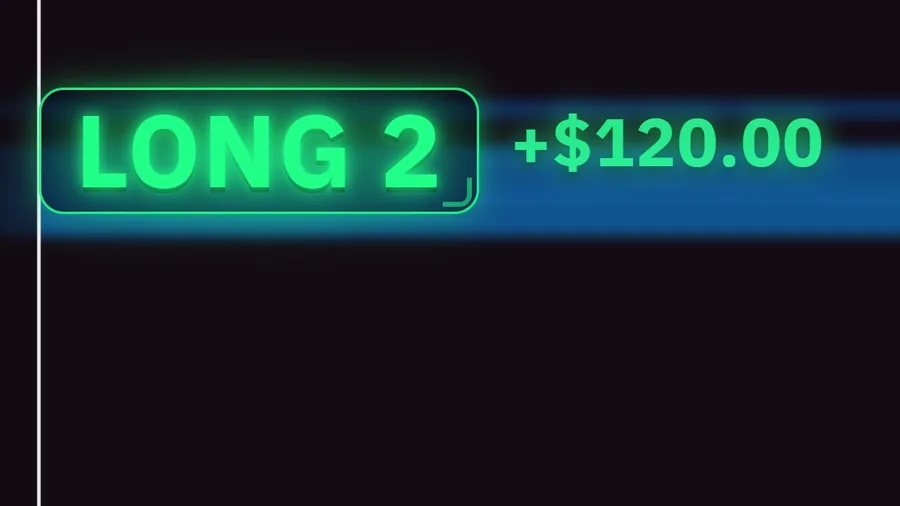
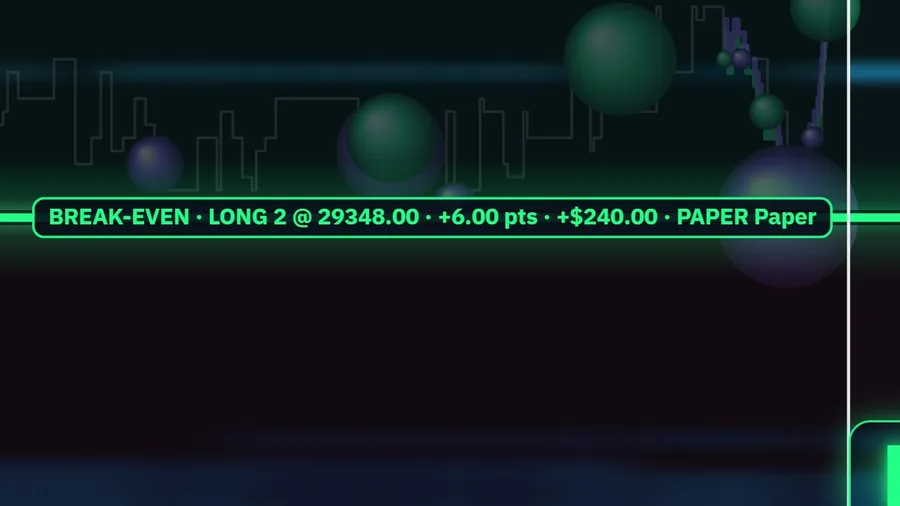
A break-even line in your P&L color, a big LONG / SHORT readout, and net, realized and unrealized panels with every account.
Heatmap AUTO & sounds
AUTO on SOFT, BALANCED or SHARP keeps the bands clear on the live book. Placing a target, a fill and a close each have their own sound.
The level of detail
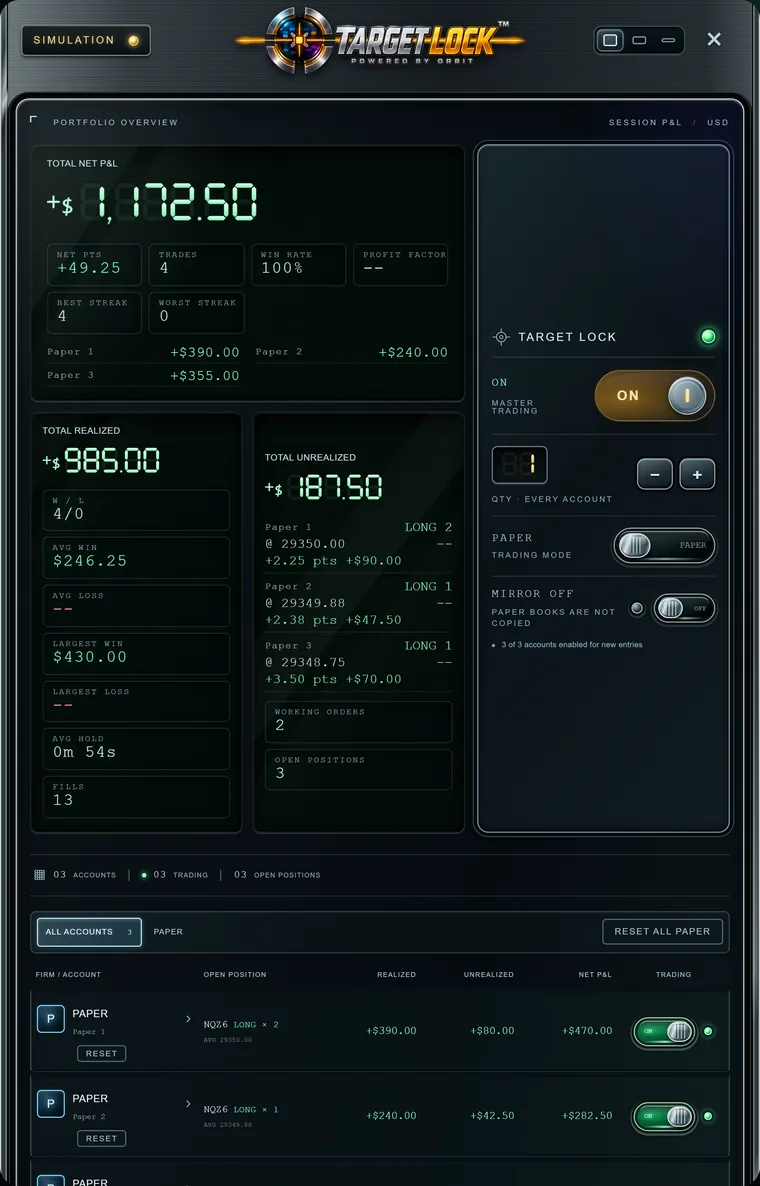
The TARGET LOCK panel, your size
 ENLARGE
The controls on the right (MASTER TRADING, QTY, PAPER / LIVE, MIRROR) set what a click on the heat sends, and to which accounts.
Tap a number to see what it does.
Show all
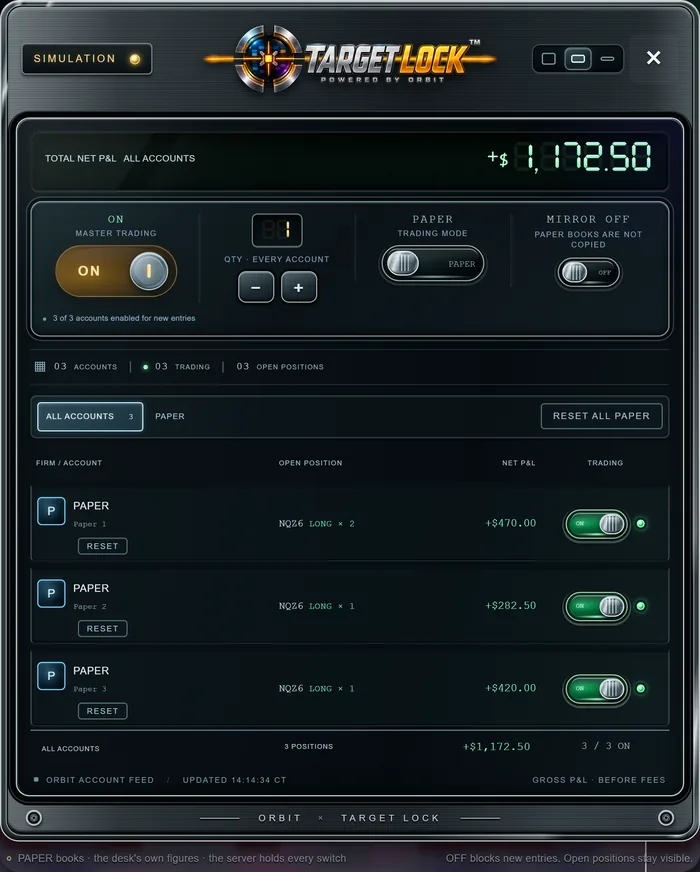
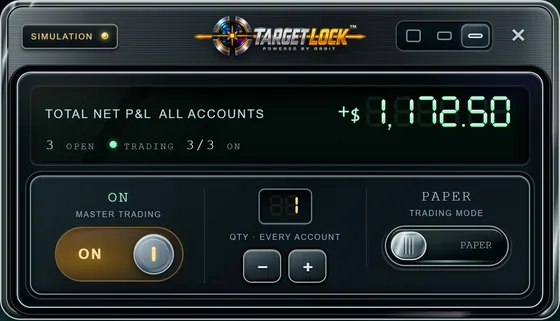
- FULL · MEDIUM · MINI: the panel's size, any time.
- TOTAL NET P&L: realized + open, all accounts.
- Today's stats: points, trades, share won, profit factor, streaks.
- Each account's net, from its closed trades.
- TOTAL REALIZED: wins, losses, averages, largest, hold, fills.
- TOTAL UNREALIZED: each open position's side, size, price, P&L.
- WORKING ORDERS and OPEN POSITIONS, right now.
- The TARGET LOCK lamp: green while ON.
- MASTER TRADING: OFF blocks entries, cancels working ones; exits stay.
- QTY: what each click sends to every account on.
- PAPER or LIVE (top badge). Changing it turns TARGET LOCK OFF.
- MIRROR: the tab's copy group, on or off. Off on PAPER.
- Accounts listed, trading, and positions open.
- ALL ACCOUNTS and a tab per firm; MIRROR uses the tab.
- RESET one paper book or all. It asks first.
- Every account: firm, name, position, realized, unrealized, net.
- TRADING: each account's switch. Clicks go only to those on.
 ENLARGE
 ENLARGE
How to mirror trade
MIRROR switches on the copy group you set on your account cards: a click on the master goes to its followers too. Numbers are FULL's.
1Set the group
M on the account that leads, S on the followers (rows 16 in LIVE).
2Go LIVE
Switch 11. MIRROR copies live accounts only; on PAPER it stays off.
3Turn MIRROR on
Pick the firm's tab 14, press MIRROR 12.
4Arm the master
TRADING on 17, set QTY 10, TARGET LOCK ON 9.
5Click the heat
Each follower gets QTY times that follower's multiplier, rounded down, never less than 1. Cancels, drags and linked exits follow.
Turning MIRROR off turns that tab's copy group off. A click copies the master's own contract only: a follower on the MICRO or the MINI, offline, standing by or on a PAPER chart is sent nothing, and the target says why. A follower switched on here is not copied twice.
PAPER works on any paper account you switch on. Live orders go to your own Rithmic account after the one-time live-trading consent.
Heatmap indicators
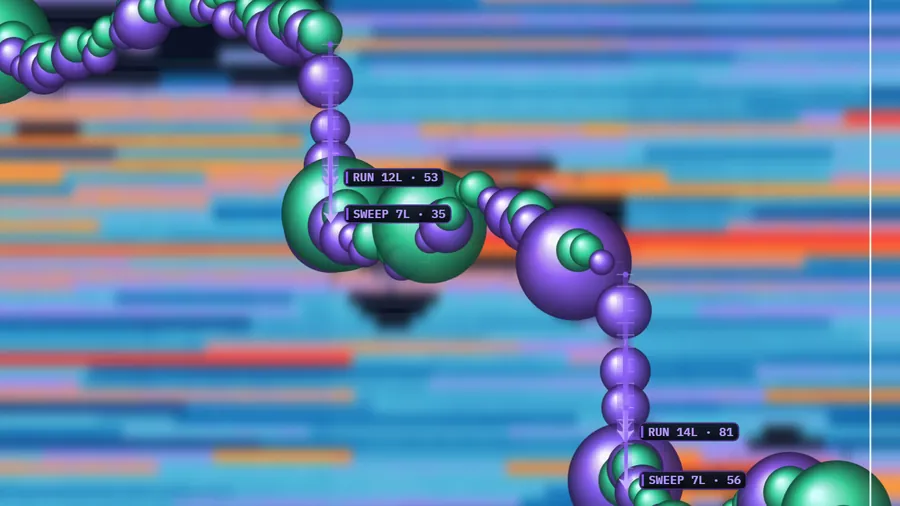
Sixteen of them, each one shown switched on by itself. They describe what traded and what the book did; none of them forecasts.
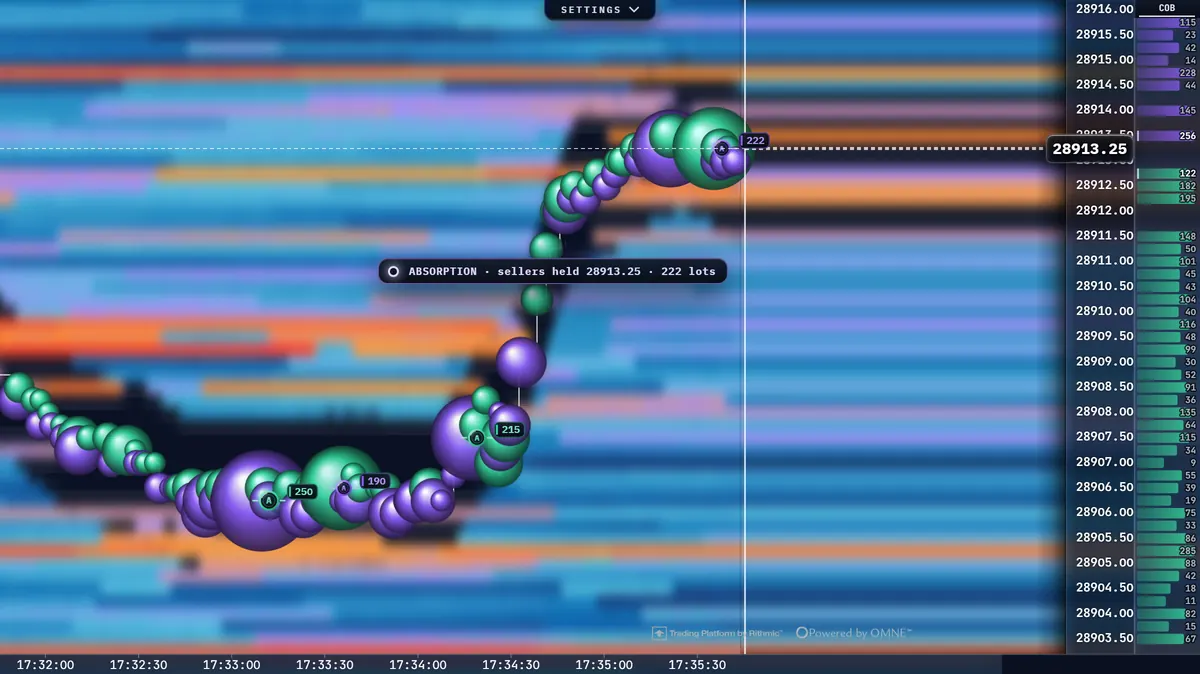
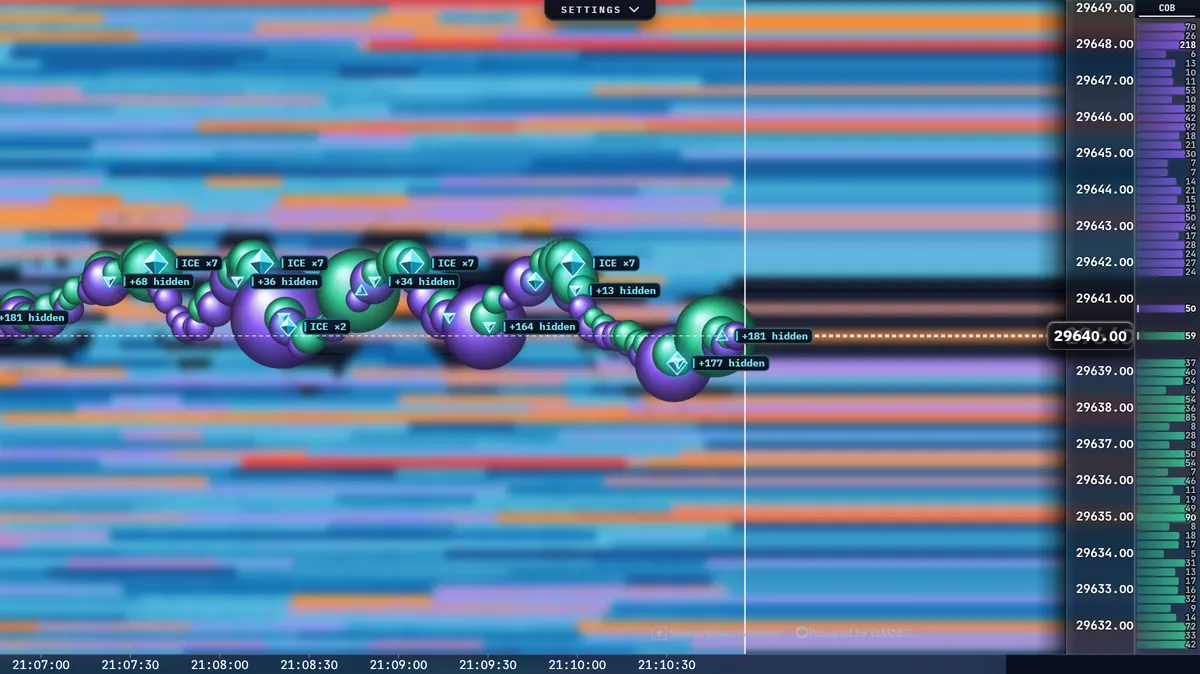
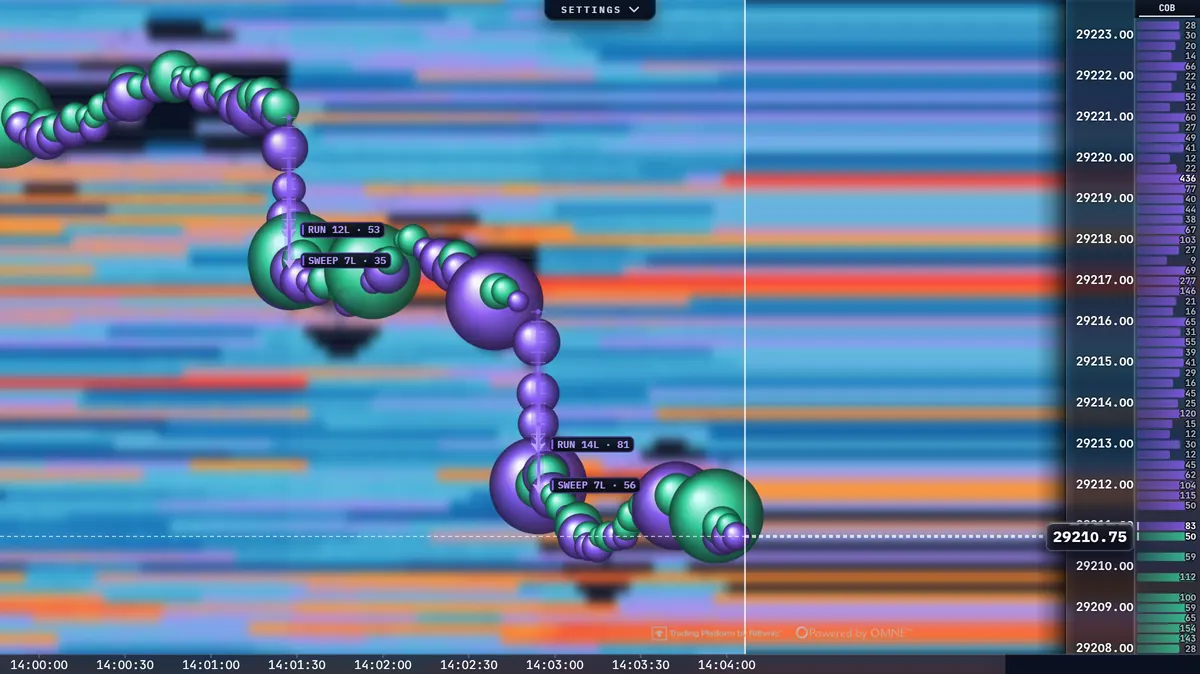
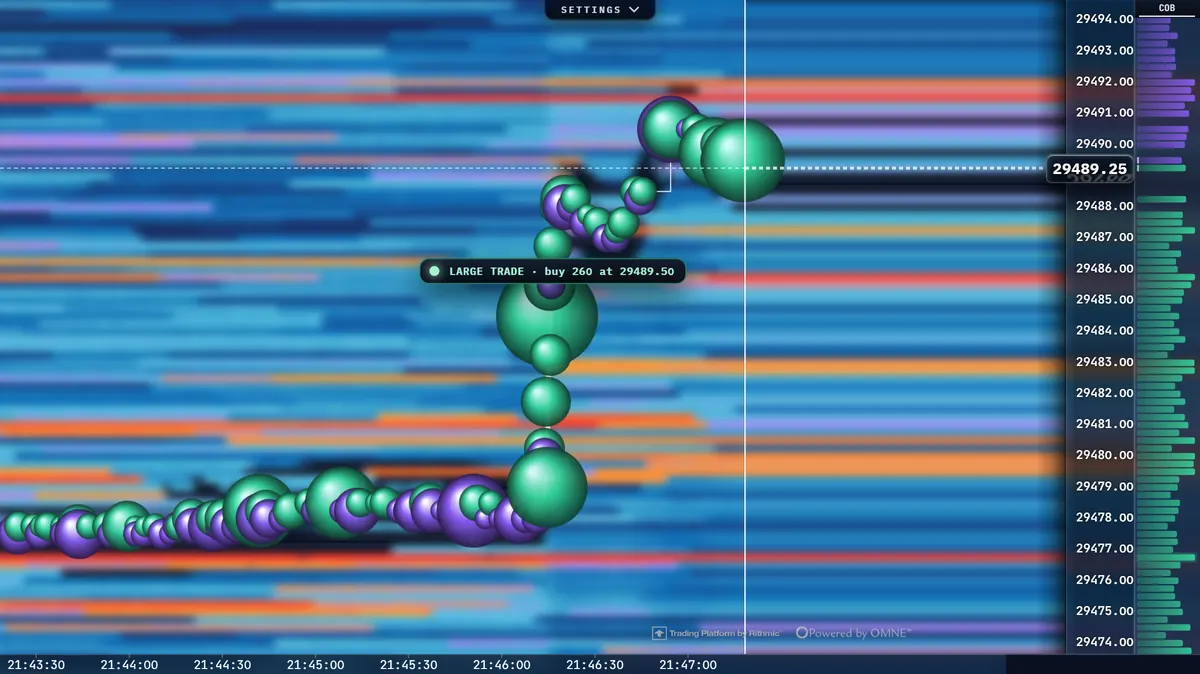
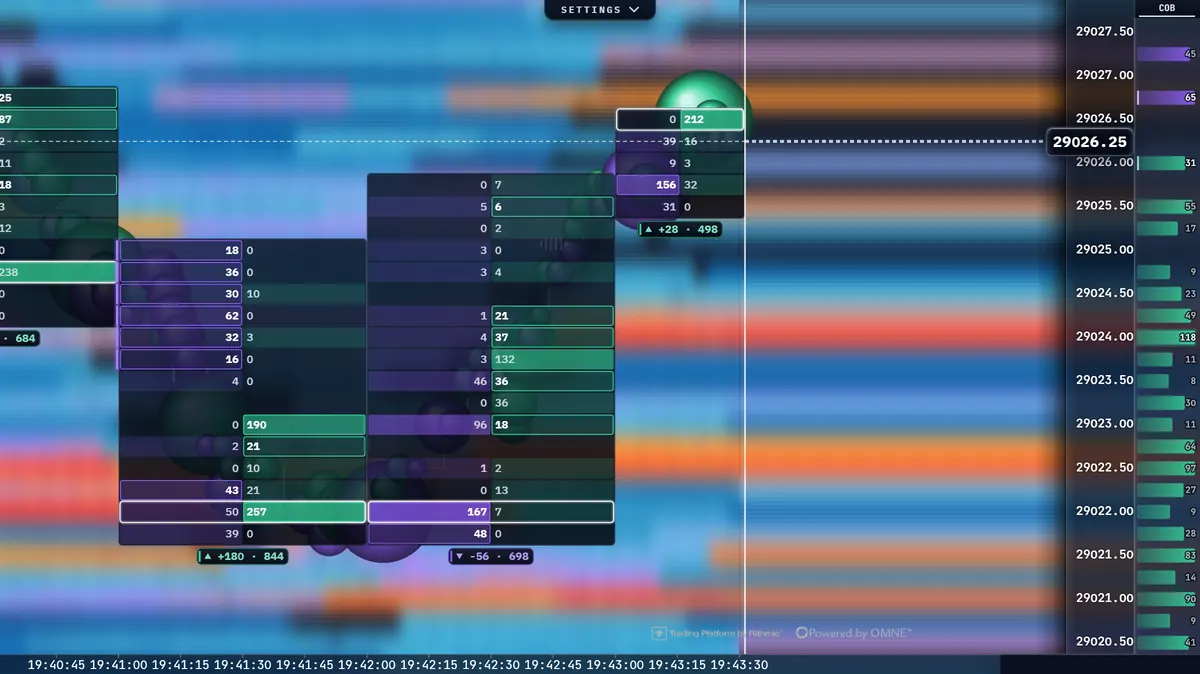
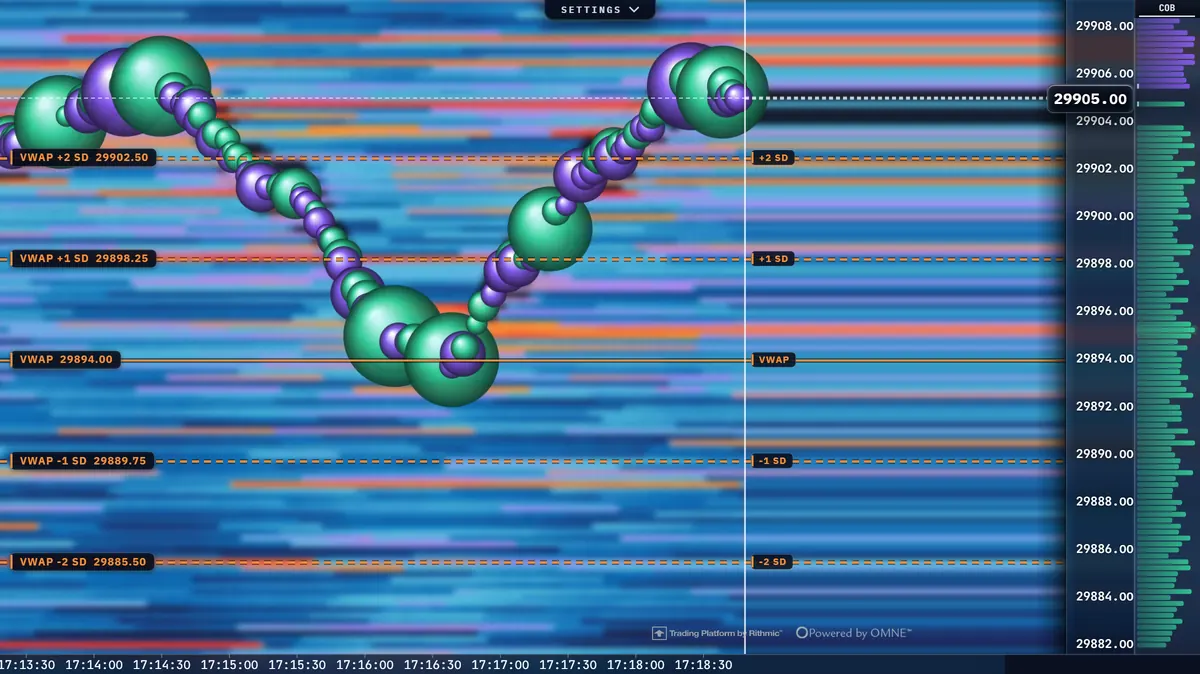
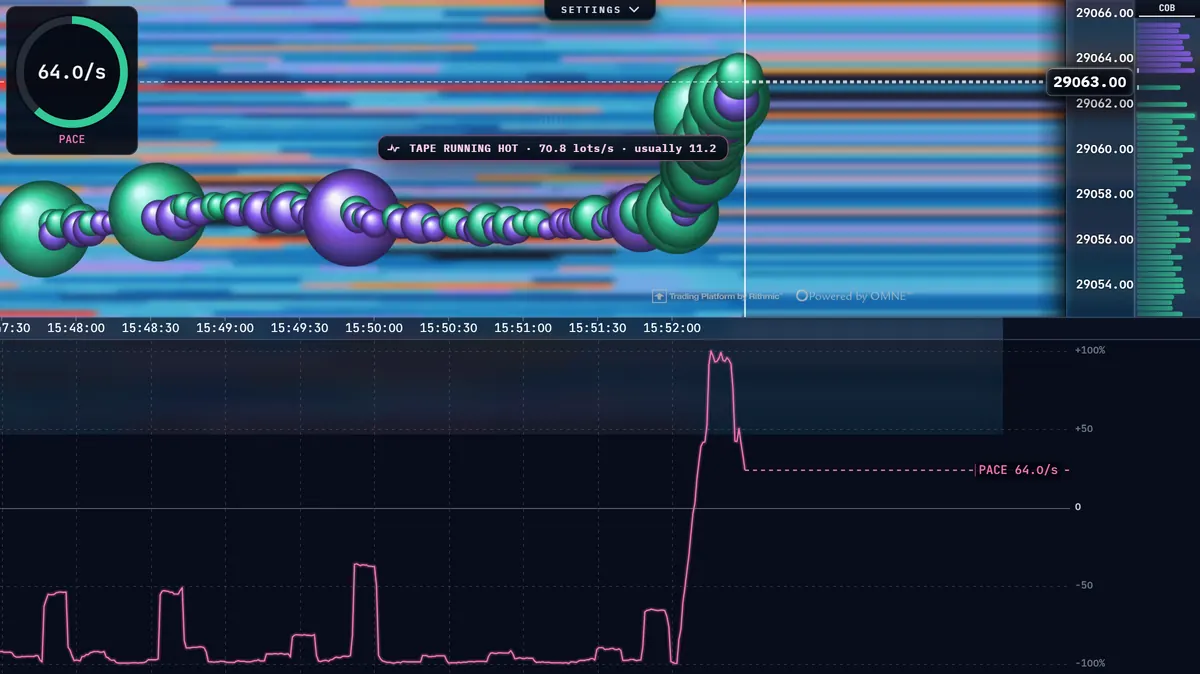
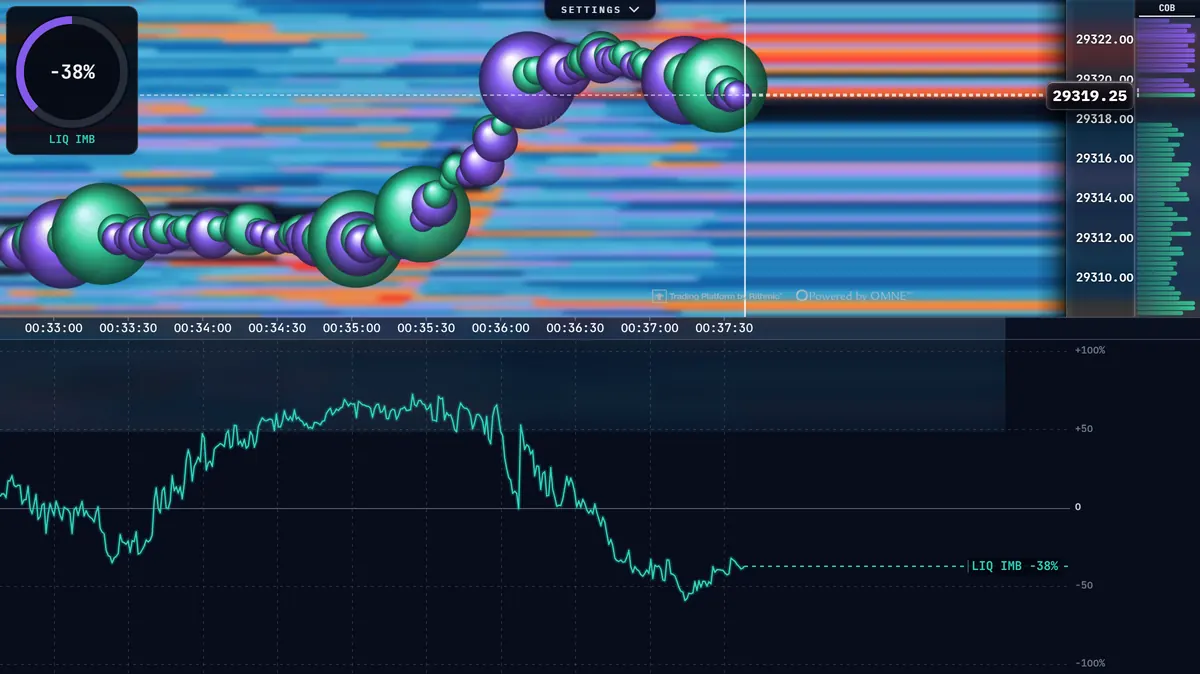
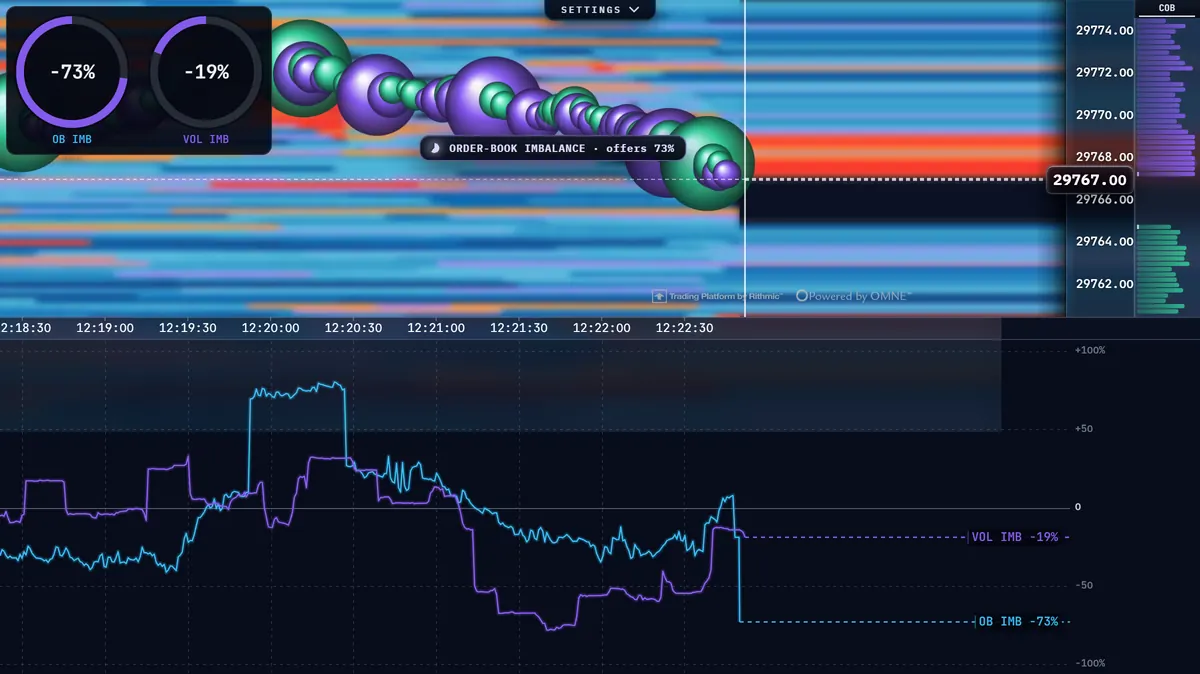
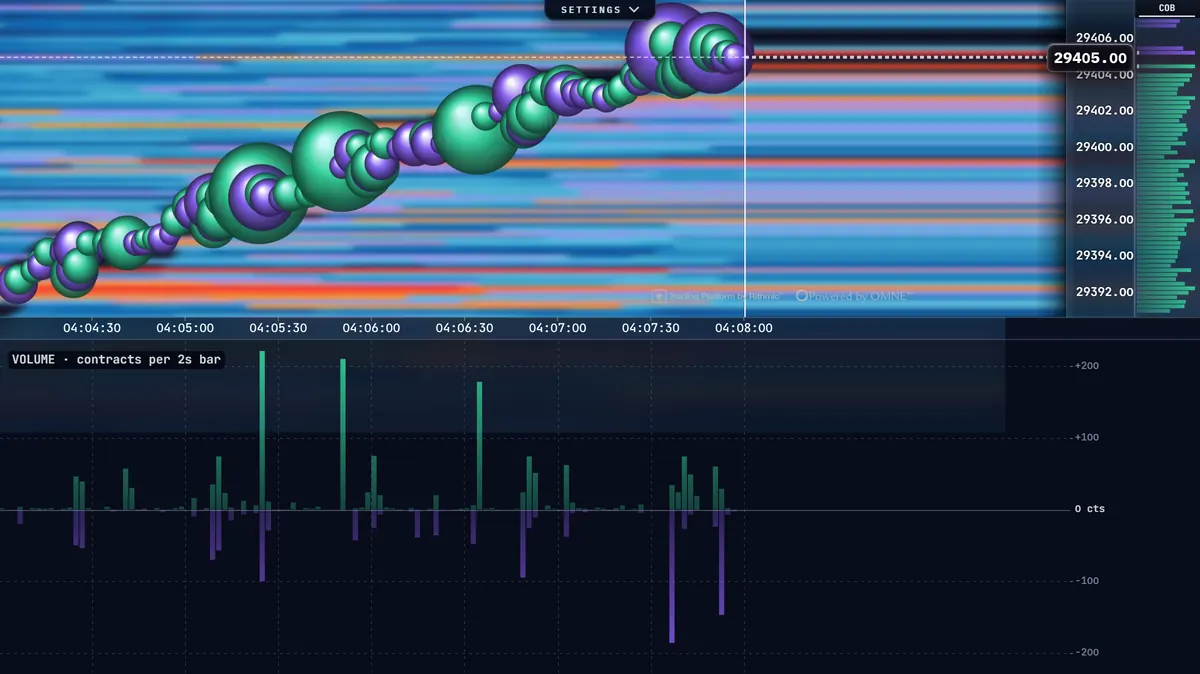
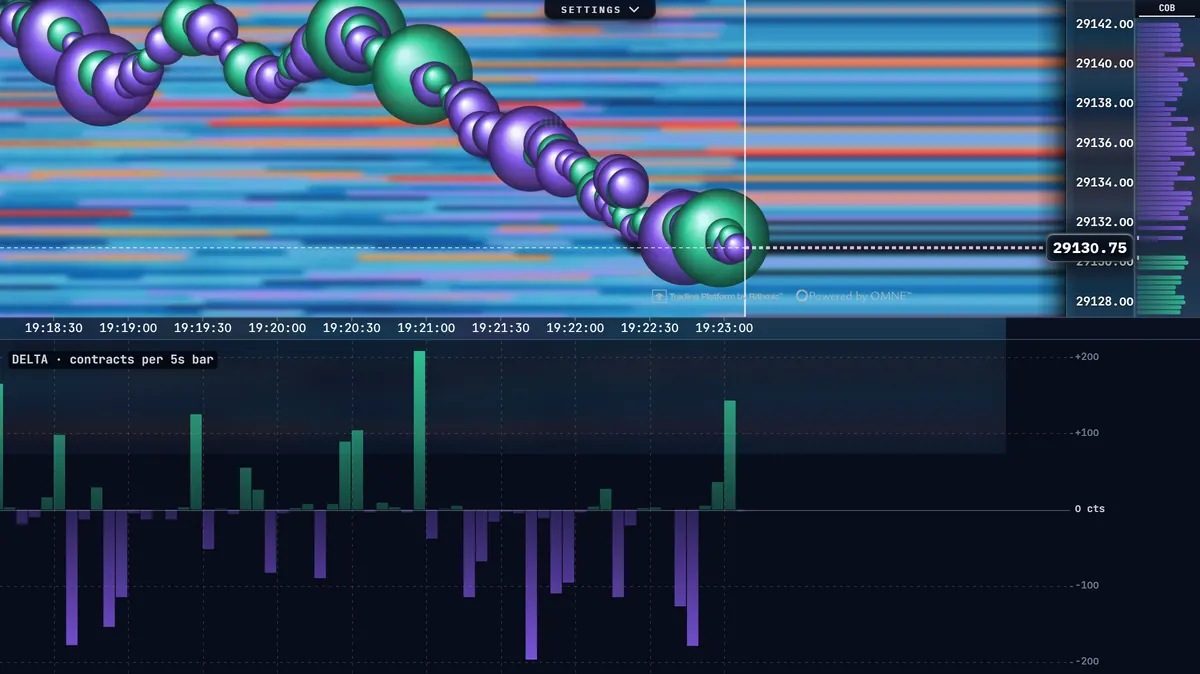
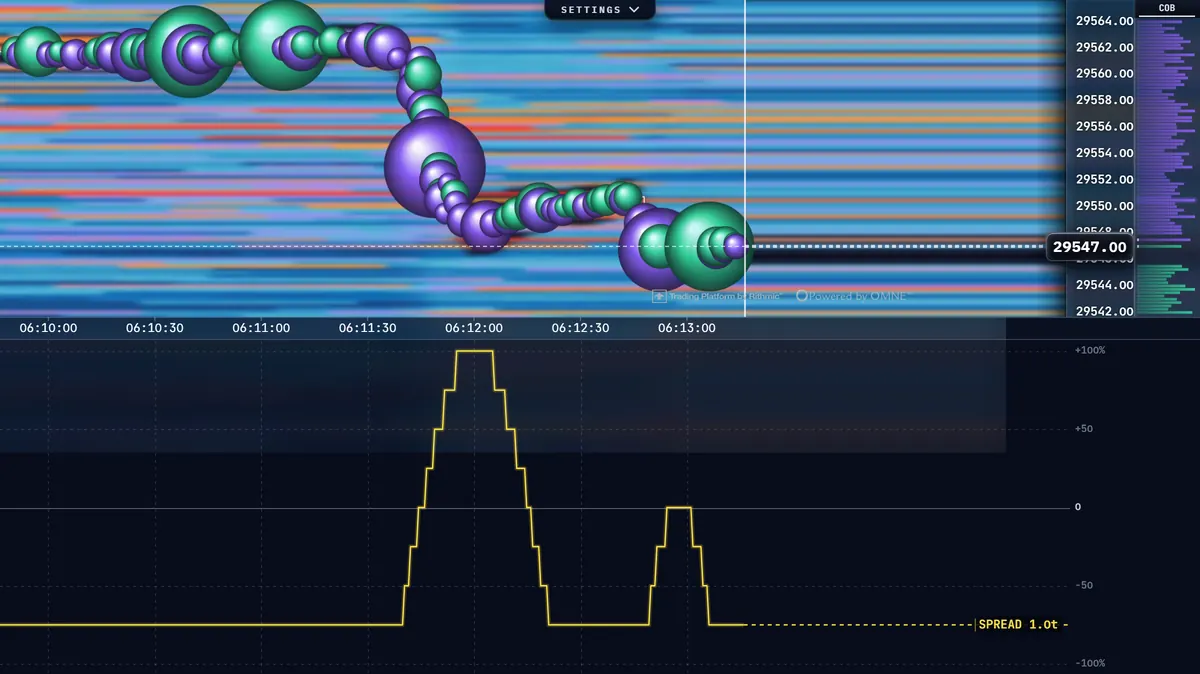
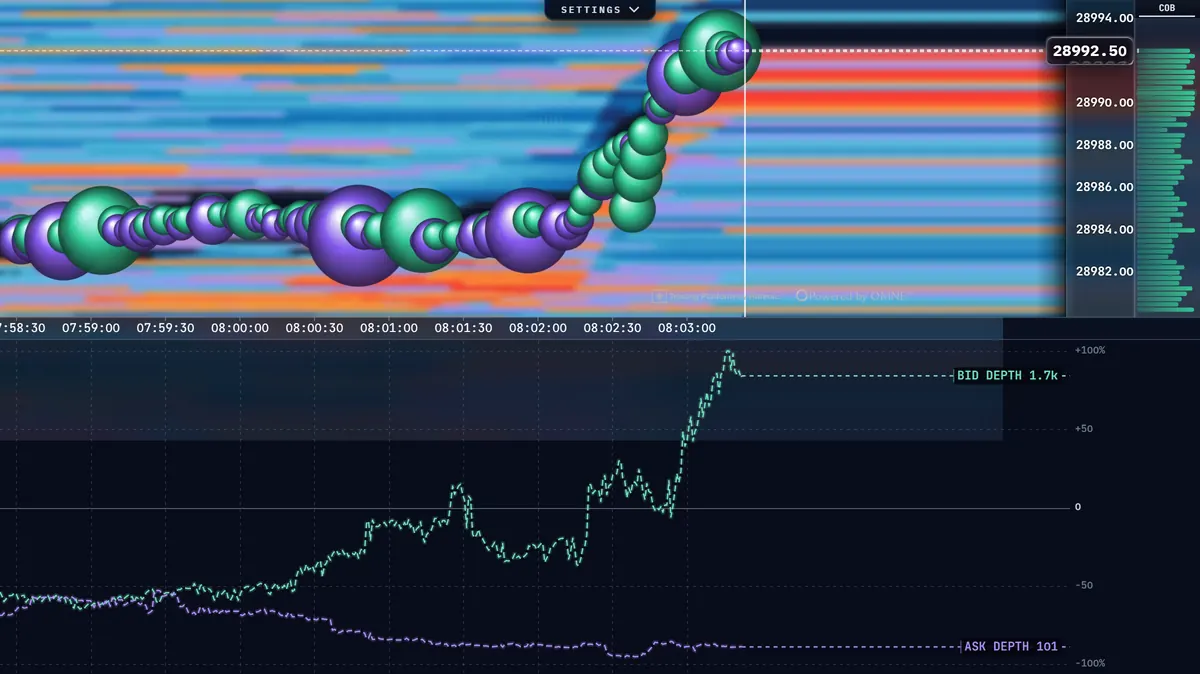
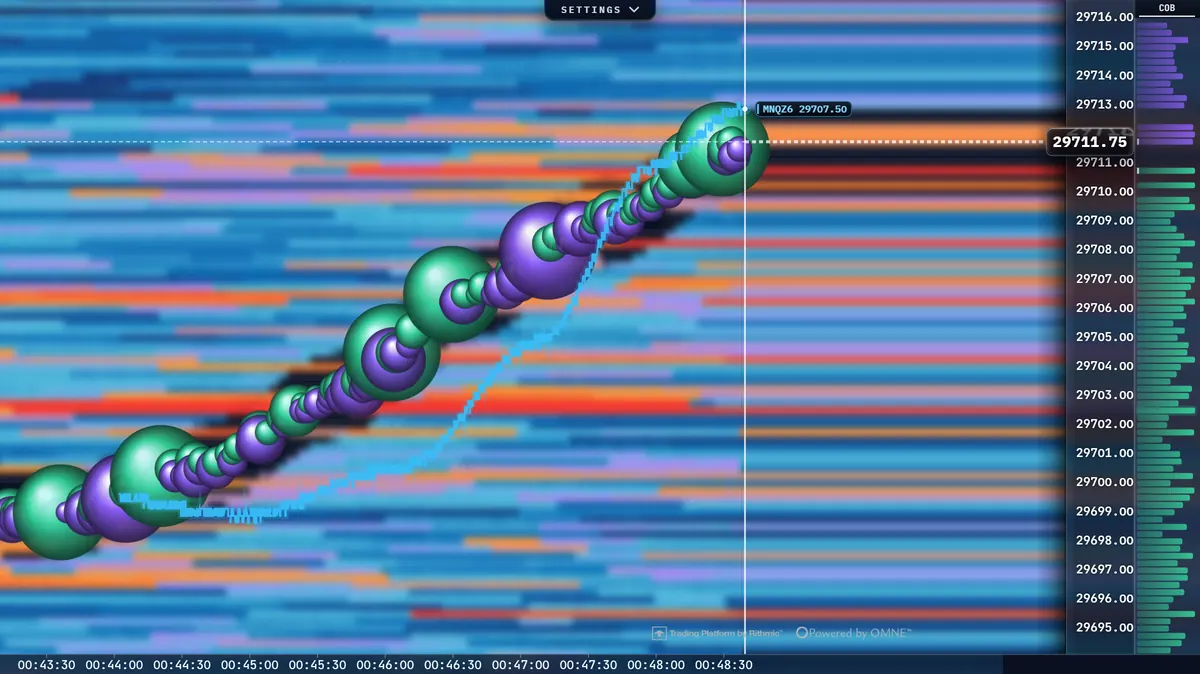
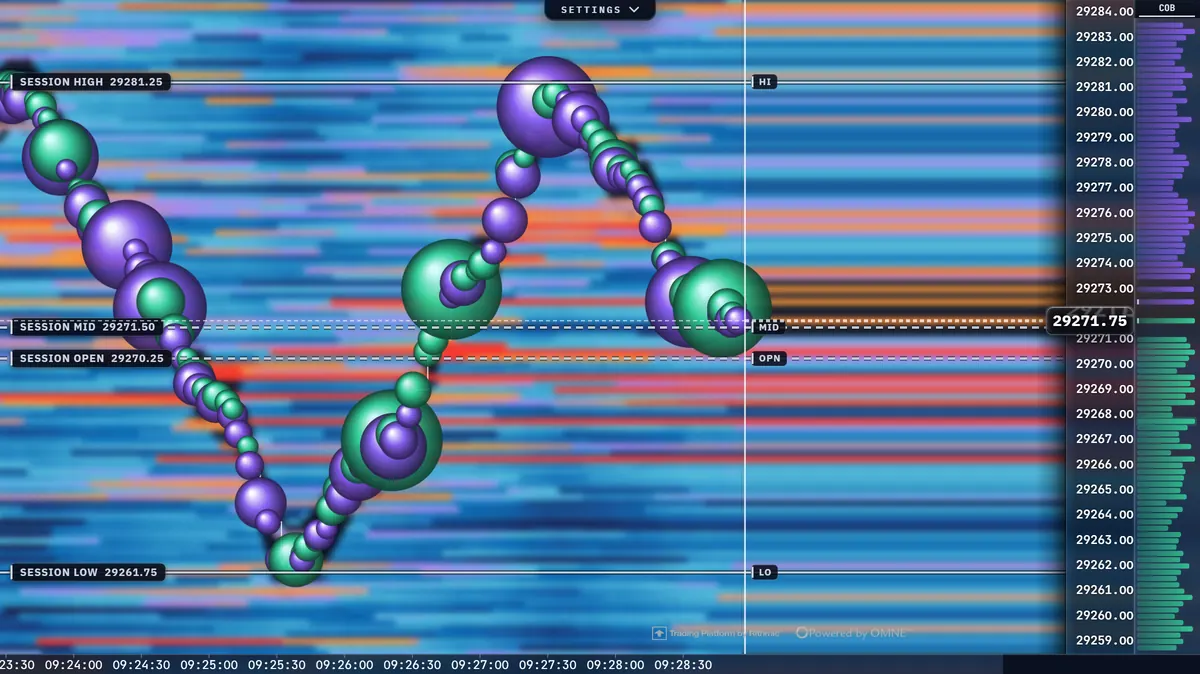
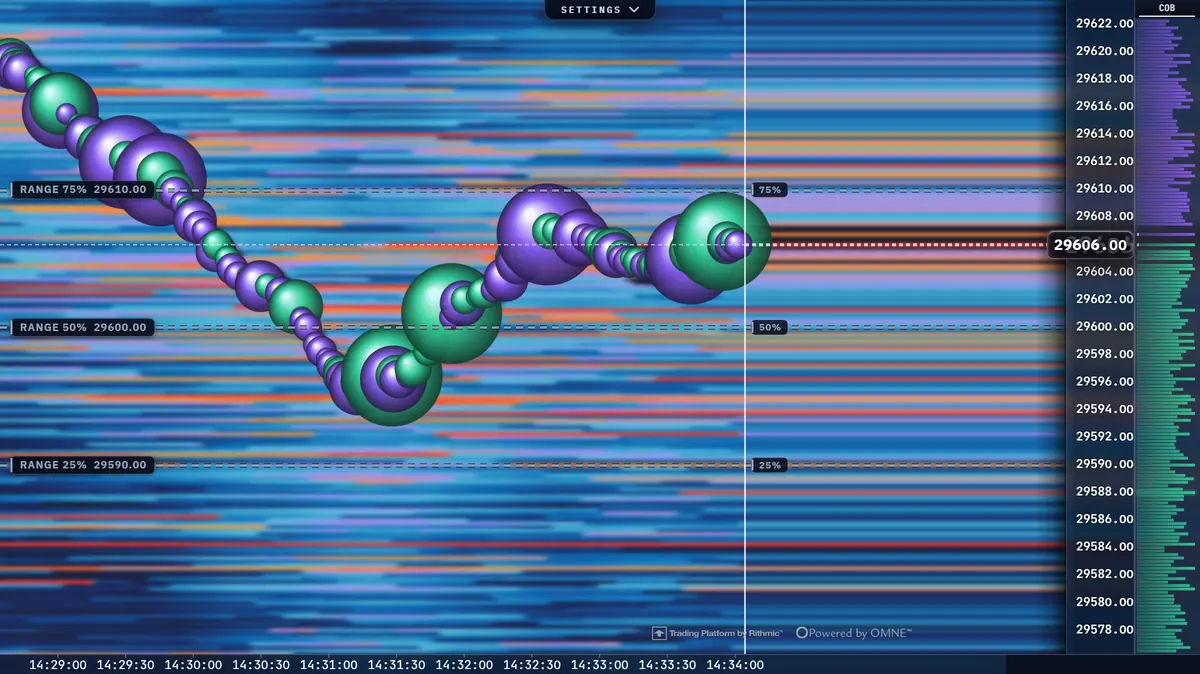
Screenshots of ORBIT's heatmap over a demo book. Click any picture to enlarge it.